
AI Video Editing Tools That Do the Slow Work for You
Upload a raw recording and get back a clean cut, short clips, subtitles and dubs, without scrubbing through a timeline.
- Free plan, no card needed
- Premiere Pro and Resolve export
- Dubbing in 21 languages
Put One Video in Front of More People
Record once. Each step takes the same recording to a new audience, from your subscribers to viewers in 21 languages.
Who sees it
Sitting in your drafts
One photo
Talking video
No time to film? Start from one photo
Upload a headshot, pick any of your voices, and add an optional prompt to guide the video. Avatars turns the photo into a talking video, lip-synced to the speech.
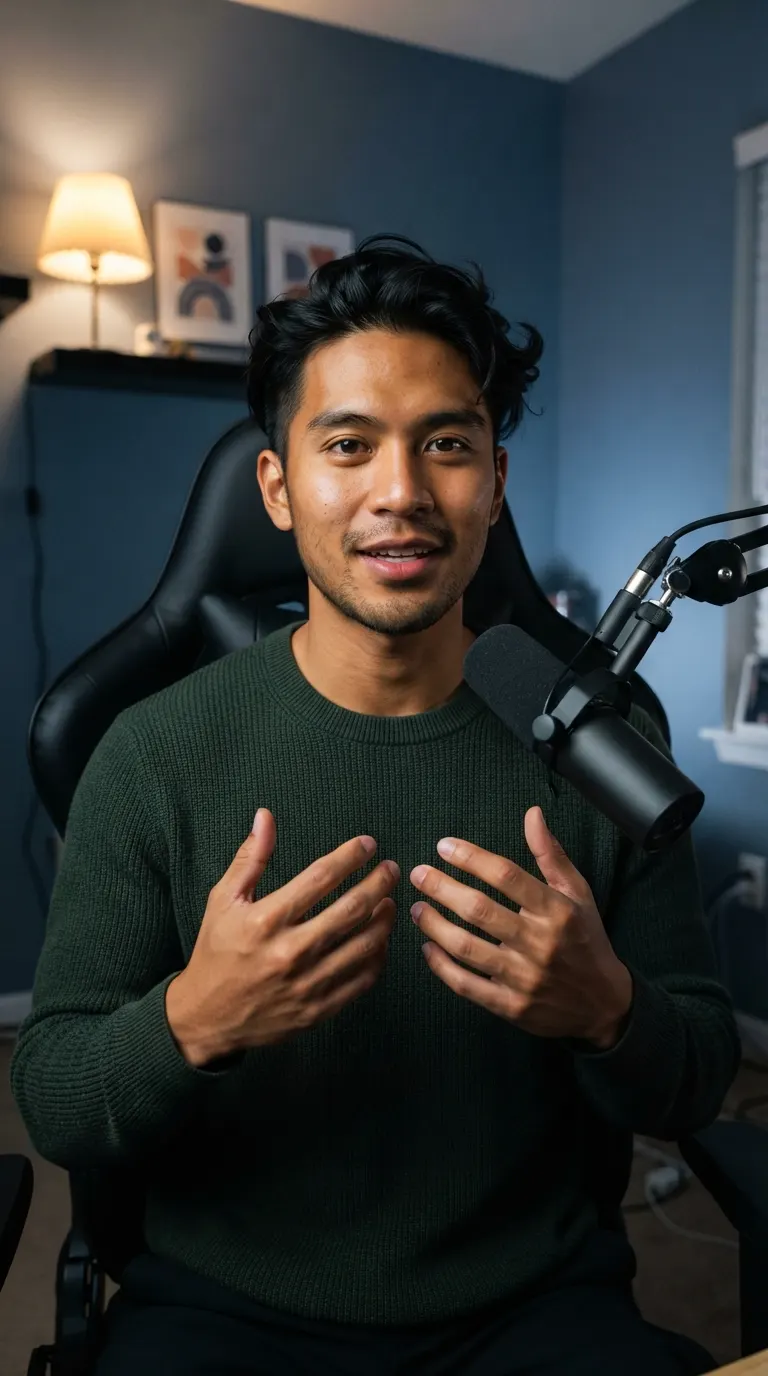
Try Avatars“I had so much raw footage, but editing took so long that I couldn't post as often as I wanted. Now Voice Creator Pro edits while I play with my baby, and I actually post every day.”
Trusted by 6,000+ creators and businesses
The Tools
Hand Off the Part You Hate
Every creator has one editing job they put off. Here's the tool that does it for you.
Remove pauses, filler words and retakes
AI Cut
Upload a raw talking-head recording and AI Cut removes long silences, filler words, stutters and bad takes. Every cut is labelled, so you can undo any of them.
You get: One clean video, or a Premiere Pro or DaVinci Resolve timeline
Make a video without filming
Avatars
Upload one headshot, pick any of your voices, and add a prompt to guide the video if you like. Avatars turns the photo into a talking video, lip-synced to the speech.
You get: A talking video from one photo
See Avatars
One photo
Talking video
Turn a long video into shorts
Clips
Clips finds the strongest moments in a long video and cuts them into short clips with captions, shaped for whichever feed you post to.
You get: Several captioned clips, in 9:16, 1:1, 4:5 or 16:9
Reach viewers in other languages
Video Dubbing
Video Dubbing translates the video and re-voices it, keeping each speaker's own voice.
You get: The video dubbed into 21 languages
See Video DubbingCaption a finished video
Subtitle Generator
Subtitle Generator transcribes the speech and styles the captions, burned into the video or as a file for your editor.
You get: Burned-in captions, SRT or VTT
Upload a recording and try every tool on the free plan.
FAQ
Common Questions
Yes. Upload the raw recording to AI Cut in Voice Creator Pro and it removes long pauses, filler words, stutters and repeated takes. You check the cuts, then export the video or a Premiere Pro or DaVinci Resolve timeline.
Yes. Avatars generates a talking-head video from one photo of a person, and you can add an optional text prompt to guide the video. It is lip-synced to any of your voices or to audio you upload.
Use Clips to cut short vertical clips from a long video. If your recording is full of pauses, run it through AI Cut first, then make clips from the clean edit. If you'd rather not film at all, Avatars makes a talking-head video from one photo, so you can post without recording.
Yes. AI Cut, Clips, video dubbing and Avatars all work on the free Voice Creator Pro Cloud plan, with monthly limits and a watermark on exported videos.
Yes. AI Cut, Avatars, Clips, subtitles and dubbing are all in the Voice Creator Pro desktop app for Windows and Mac, as well as in the browser.
Get Started
Spend Less Time Editing and More Time Posting
Start with a raw recording or a single photo, and finish with a clean video, short clips, captions and dubs.
Trusted by 6,000+ creators and businesses