
Create AI Voiceovers, Audiobooks and Videos
Calm documentary narrator
As the tide pulls back, the shoreline comes alive. Crabs climb out of the sand, and within minutes the birds arrive. For the next two hours, this narrow strip of beach is the busiest place on the coast.
Used by teams and creators at




























Voice
Voices for every video, course and game
Voiceovers for YouTube, e-learning, games and podcasts. Start from the library, clone your own voice, or describe one that doesn't exist yet.
Choose from 40,000+ voices
Narrators, game characters and creators in every style.


Design a voice from a description
Write the age, accent, tone and pace you want. Voice design creates a new voice to match, in any of 600+ languages.
Dubbing
Dub videos into 21 languages for YouTube and courses. Each speaker keeps their own voice.
Clone any voice
Upload a short recording of yourself, or of anyone who agrees to it. The clone keeps the accent, tone and delivery in 600+ languages.
Control the emotion
Choose from 13 emotions at 5 intensities, or set the emotion of a cloned voice line by line.
Long-form audio
Make your book an audiobook
Import a manuscript, and every character gets a voice of their own. Then export a finished audiobook, course or long read, chapter by chapter.
AI casts your book
Import a manuscript. AI finds every speaker, designs a voice for each one and marks the emotion of every line. You tag nothing by hand.
Custom pronunciations
Set the pronunciation of a name or term one time and use it in every book in a series.
Numbers and dates
Dates, phone numbers, prices and units read correctly in 55 languages.
Audible export
Export an M4B file with chapter markers, or a file for Audible that meets the ACX loudness rules.
Avatars
Talking-head videos from one photo
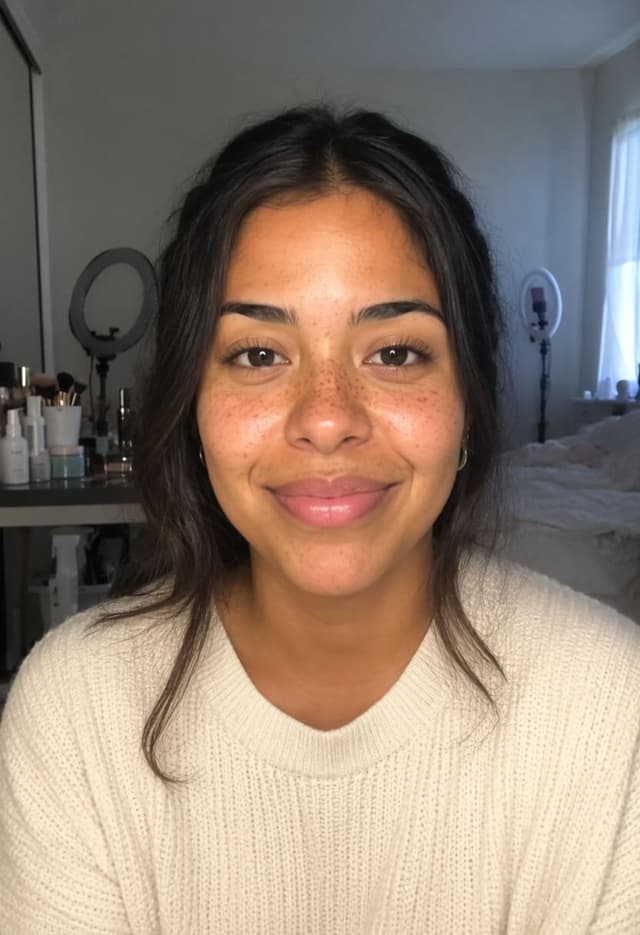
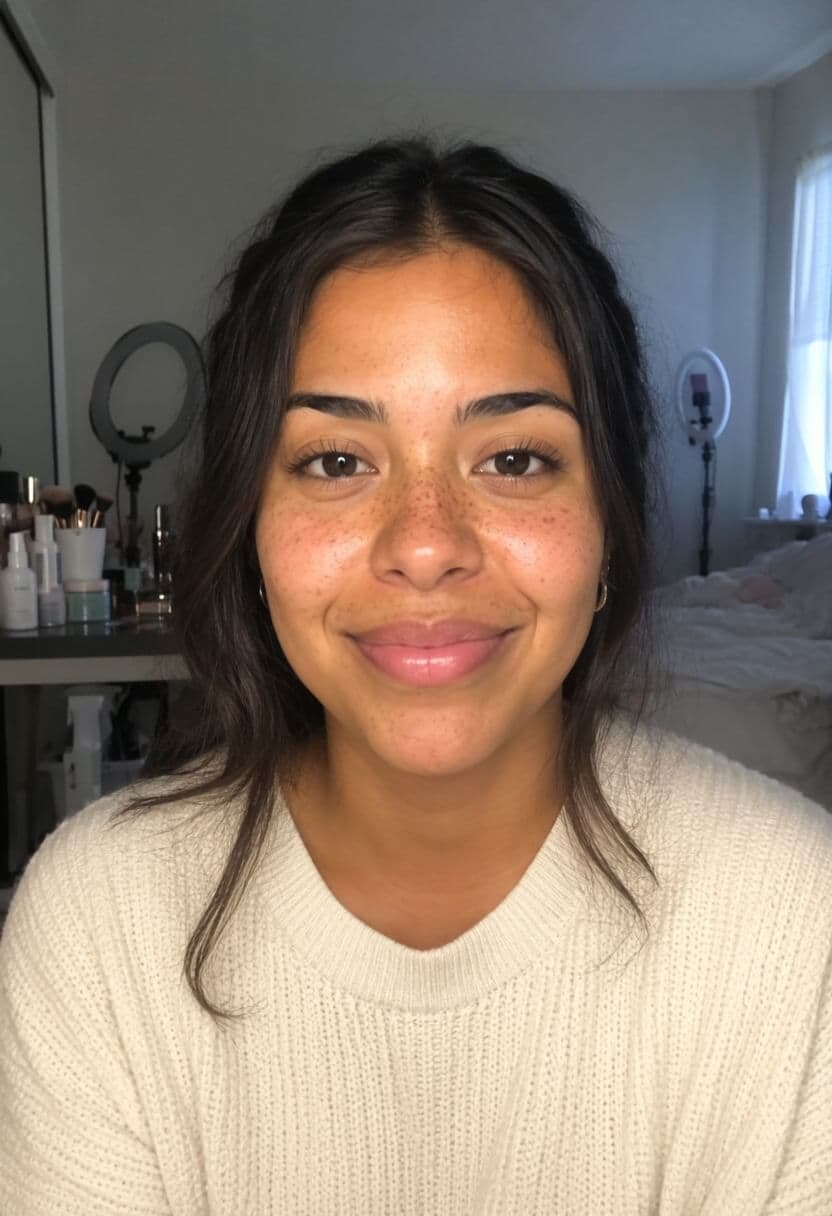
Upload a headshot, describe a face or pick one from the library. Add a script in any of your voices, and the face speaks it with lip sync.
Photo to talking video
Upload one headshot and add speech. You get a video of that person talking, with captions you can style.
The photo
Faces from a description or the library
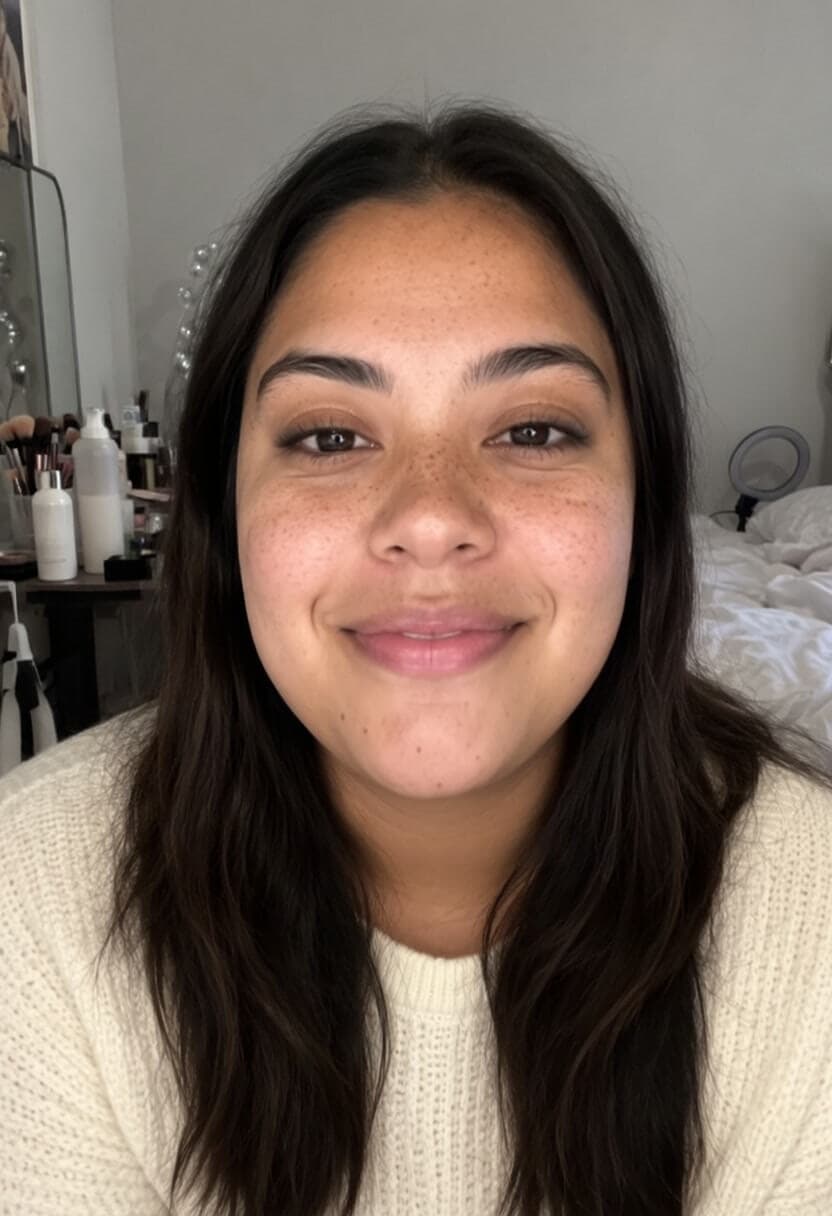
No photo? Choose traits, describe the details and pick a face. Or use a ready-made face from the avatar library.
Saved to My avatars
Your voice in 600+ languages
Use a cloned voice, a designed voice or your own recording. The same face speaks every language your voices speak.
Export up to 4K
Export at 480p, 720p or 1080p, or upscale to 4K.
Video editing
Edit and caption your videos
Upload a raw recording and get a clean cut with captions. Change a word by typing it.
AI Cut
AI Cut removes silences, filler words, false starts and bad takes. Each cut has a label, and you can restore it. Open the edit in Premiere Pro or DaVinci Resolve as an XML timeline.
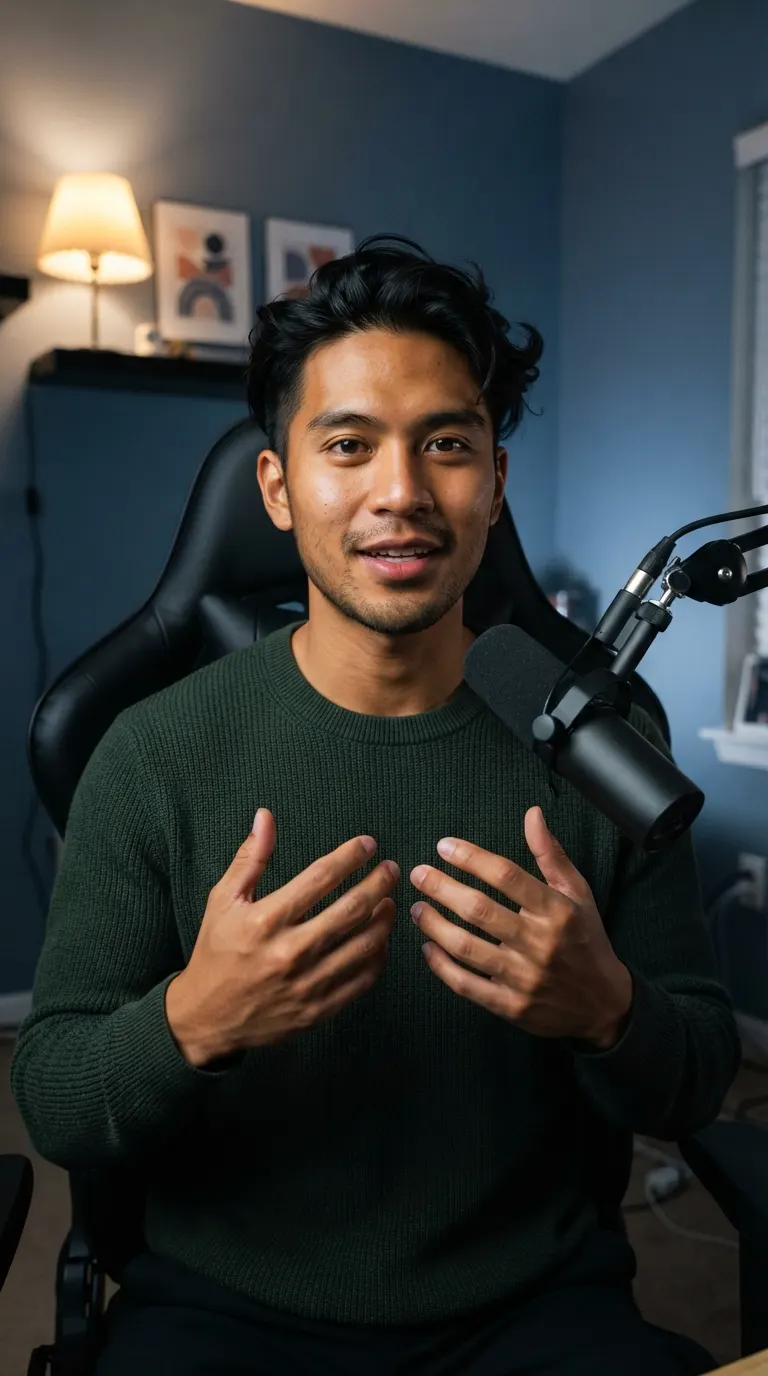
Overdub
Change a word in the transcript. The video says the new word in the speaker's own voice, with lip sync.

Clips
AI finds the best moments in a long video or podcast and makes short clips for TikTok and Reels.
Subtitles
Burn in styled captions, such as Hormozi and Retro 3D, with karaoke highlighting. Translate them into 21 languages, or export SRT, VTT or a transparent overlay.
API
Build voice and video into your product
Call speech, cloning, transcription, dubbing and avatars from your own code, in the cloud or on your own computer.
One request to generate speech
Send text and a voice. The job returns an audio file.
# Start a jobcurl -X POST https://api.vcp.name/v1/speech \ -H "Authorization: Bearer $VCP_API_KEY" \ -H "Content-Type: application/json" \ -d '{"text": "Hello from the API.", "voice": "af_alloy"}' # Wait up to 60 seconds for it to finishcurl "https://api.vcp.name/v1/jobs/JOB_ID?wait=60" \ -H "Authorization: Bearer $VCP_API_KEY"Cloud API
On the Starter and Premium plans: speech, cloning, voice design, transcription, dubbing, avatars and AI Cut.
Desktop API
On every desktop plan, for Windows and Mac. Every feature, including Clips and audiobooks, runs on your computer.
MCP server
Connect an AI assistant to your voices through the built-in MCP server in the desktop app.
Availability
Choose Your Platform
Windows
Available on the Microsoft Store and itch.io. Windows 10 and later, with full GPU acceleration support.
macOS
Available on the Mac App Store. Native macOS experience optimized for Apple Silicon.
Cloud
No install needed. Runs in your browser with nothing to download. Free tier included, no credit card required.
Compare
Why Voice Creator Pro?
See how Voice Creator Pro stacks up against ElevenLabs, Murf.ai, and other TTS services.
Pricing
Flexible pricing
Desktop App
One-time payment, runs on your computer
Starting from
$54.99
one-time
- Voice cloning with 3s of audio
- Voice cloning and design in 600+ languages
- Built-in voice library with 40,000+ community voices
- Voice design
- Speech to Text
- Long-form audio generation
- Video tools: dubbing, subtitles, Clips, AI Cut and Avatars
- One-time payment, lifetime access
- Unlimited generations
- Voice generation runs fully offline
Windows 10+ (GPU with 8 GB VRAM recommended) or macOS (Apple Silicon, M1+)
Cloud
Free tier + paid plans
Starting from
$0
/month
- Voice cloning with 3s of audio
- Voice cloning and design in 600+ languages
- Built-in voice library with 40,000+ community voices
- Voice design
- Speech to Text
- Long-form audio generation
- Video tools: dubbing, subtitles, Clips, AI Cut and Avatars
- No install needed, works in your browser
- No GPU or fancy hardware needed
- History, voices and projects synchronized across devices
FAQ
Common Questions
Voice Creator Pro has a free plan of 5,000 tokens a month, about 10 minutes of voice cloning or about 1 hour 45 minutes with built-in voices, no card needed. It includes voice cloning, voice design and 40,000+ voices in your browser. Paid plans start at $5 a month. For unlimited use, the desktop app is a one-time purchase from $54.99.
Start freeFor $20 a month, Voice Creator Pro gives about 51 hours of voice cloning, or up to about 500 hours with built-in voices. Its desktop app is a one-time purchase from $54.99, with unlimited generations on your own computer. Every plan includes voice cloning and full commercial rights.
Compare plansVoice Creator Pro clones a voice from a clear clip of 3 to 10 seconds. A longer clip does not make a better clone. Use one person speaking, with no music or background noise. The clone then speaks 600+ languages.
Clone a voiceYes. The Voice Creator Pro desktop app clones voices and generates speech offline, and your recordings never leave your computer. It runs on Windows 10 or later and on Apple Silicon Macs. On Windows, a graphics card with 8 GB of video memory is recommended. It is a one-time purchase from $54.99.
Get the desktop appYes. Voice Creator Pro gives full commercial rights on every plan, including the free Cloud plan. You own what you make, with no royalties and no credit needed. Video exports on the free plan carry a watermark, and paid plans from $5 a month remove it.
Voice Creator Pro dubs a video into 21 languages, and each speaker keeps their own voice. Lip sync is optional. A glossary sets how names and terms translate. Dubbing works on the free Cloud plan, with a watermark on the export.
Dub a videoUpload one headshot to Avatars in Voice Creator Pro, then type a script or add your own audio. You get a lip-synced video of that person talking, up to 20 seconds long. No photo? Generate a face or pick one from the avatar library. The free plan makes 3 videos a month, up to 10 seconds each.
Make a photo talkImport your manuscript into Voice Creator Pro as EPUB, PDF, DOCX or TXT. AI finds each character, designs a voice for each one and marks the emotion of every line. Export an M4B with chapters, or an Audible file that meets the ACX loudness rules.
Make an audiobookAI Cut in Voice Creator Pro removes silences, filler words, false starts and bad takes. It keeps your best take of each line. Each cut has a label, and you can restore it. Export the video, or open the edit in Premiere Pro or DaVinci Resolve. The free plan includes 30 minutes a month.
Try AI CutGet Updates
Get notified about new features, platform launches, and updates. No spam, unsubscribe anytime.