
Turn Long Videos into Viral Clips
Drop in a long video, tell the AI what to look for, and let it find the moments worth cutting. Turn them into vertical clips for Reels, TikTok, and Shorts, add subtitles, and auto-edit with AI or fine-tune every cut by hand.
Capabilities
Everything You Need to Repurpose Long Video
Find the moments, caption them, and cut them into shareable vertical clips, from one upload.
Prompt-Steerable Moment Detection
AI surfaces the segments most worth clipping, several from a single upload, and you can steer it: give the AI a prompt describing what to look for and who the clips are for, and it weights its picks toward that context.
Vertical Clips
Clips are cut in a vertical format made for Reels, TikTok, and Shorts.
Built-In Subtitles
Add subtitles to every clip so they land with viewers watching sound-off.
Auto-Edit or Edit by Hand
Let AI edit the clip for you with effects like zoom-ins at the right moments, or take manual control and adjust the cut, captions, and edits by hand.
Remove Filler and Silence
Automatically cut filler words such as "um" and "uh" and trim silent gaps, so every clip stays tight and fast-paced.
Dub Into 21 Languages
Dub your clips into up to 21 languages, so a single moment reaches audiences far beyond its original language.
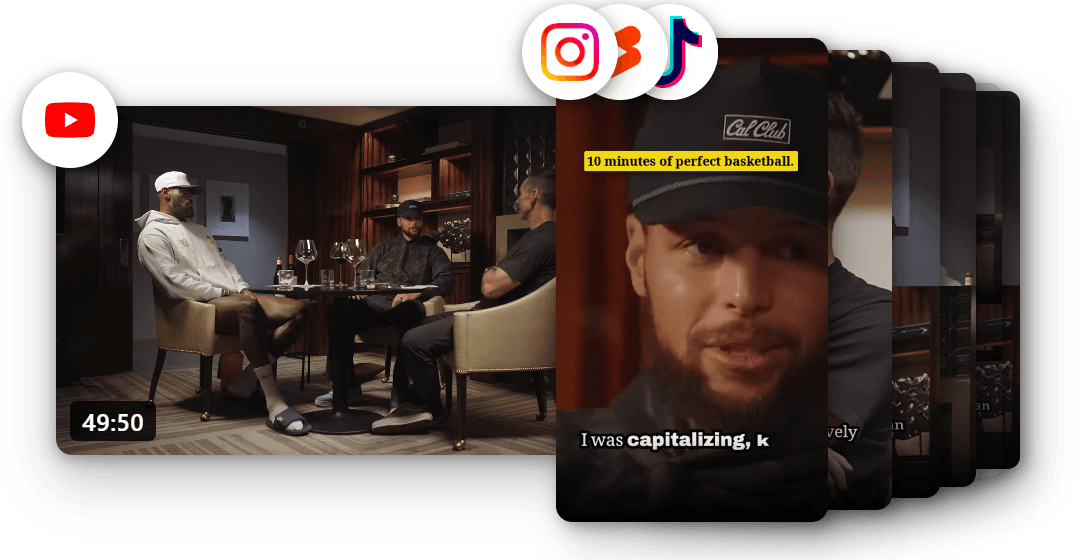
Create viral content the easy way
You do not have to guess what will land or scrub through hours of footage. Drop in a long video, tell the AI what to look for with a quick prompt, and it pulls the moments most likely to take off, so making content worth sharing takes minutes, not a weekend.
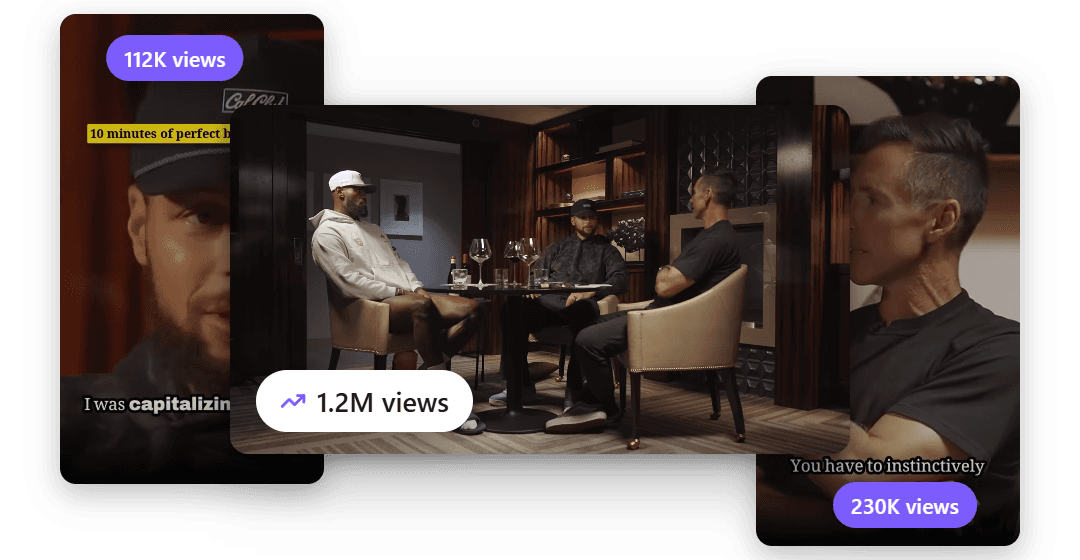
Turn one video into more views
Every clip is another way for people to find you. Ship clips faster and let them draw viewers back to the full video, so a single upload can keep drawing views long after you post it.
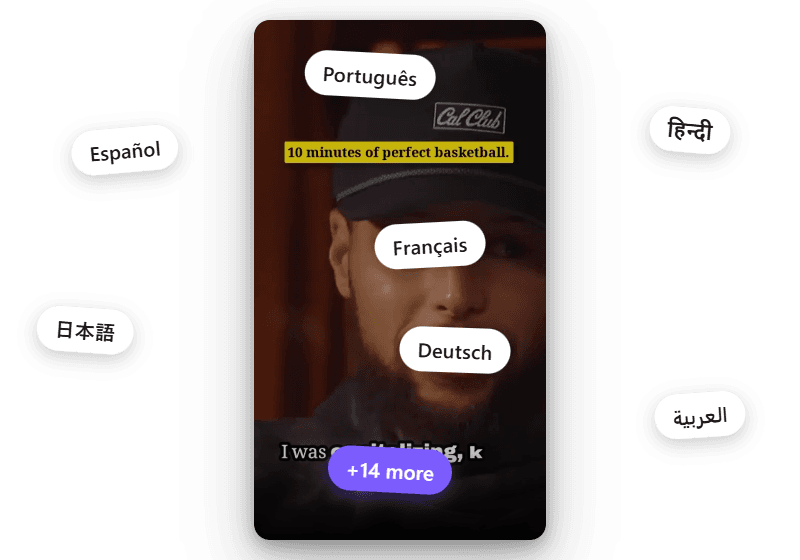
Reach an audience in 21 languages
Your best moments should not stop at one language. Dub any clip into up to 21 languages and put the same short in front of viewers around the world.
Developer API
Generate clips from a script
Every step in Clips has an endpoint, from importing a long video to rendering each short. Run it on every new episode automatically.
Need it as a cloud API? Join the waitlist
# 1. Create a project from a long video on this computercurl -X POST "http://127.0.0.1:8100/api/v1/clips/projects" \ -H "Content-Type: application/json" \ -d '{ "name": "Podcast episode 42", "source_path": "/Users/you/Videos/episode-42.mp4" }' # 2. Find the clips, then read them back with their rendered filescurl -X POST "http://127.0.0.1:8100/api/v1/clips/projects/PROJECT_ID/run"curl "http://127.0.0.1:8100/api/v1/clips/projects/PROJECT_ID"How It Works
From One Long Video to Many Clips
Add Your Long Video
Drop in a long-form video such as a talk, interview, podcast, webinar, or stream.
AI Finds the Moments
The video is analyzed and the strongest moments are identified for you, and a single video can yield several clips. Want a say in the picks? Add a prompt for context, like "pull the moments about pricing strategy," and selection weights toward what your audience cares about.
Caption, Edit, and Export
Add subtitles, then let AI auto-edit, adding zoom-ins for emphasis and cutting filler and silence to tighten the pace, or edit by hand, and export vertical clips.
Use Cases
Made for Repurposing
Turn the long content you already make into short clips built for the feed.
YouTube and Long-Form Creators
Repurpose long videos into Shorts and vertical clips without re-editing each one from scratch.
Podcasters
Cut episode highlights into captioned clips for social to promote each new episode.
Talks and Webinars
Pull the strongest moments from a talk, webinar, or course session into shareable clips.
Streamers
Turn long streams into highlight clips sized for short-form feeds.
Marketing Teams
Get more out of every recording by turning it into a set of clips for each channel.
Agencies
Produce a batch of captioned clips per client from one long video, fast.
Explore clip tools
YouTube to Shorts
Turn long uploads into Shorts
Podcast to Clips
Cut episodes into promo clips
Long Video to Shorts
Any long recording into shorts
Gaming Clips
Stream and gameplay highlights
TikTok Clips
Vertical clips made for TikTok
Instagram Reels
Clips shaped for Instagram Reels
LinkedIn Clips
Professional clips for LinkedIn
Facebook Reels
Clips for Facebook Reels
Viral Clips
AI finds the viral moments
AI Shorts
AI shorts from any video
YouTube Clip Maker
Clip any YouTube video
FAQ
Common Questions
It takes a long video, uses AI to find the moments most worth clipping, and turns them into vertical clips. You can add subtitles to each clip and either let AI auto-edit it or edit it by hand, then export the results for short-form feeds.
Yes. Alongside your video, you can give the AI a prompt describing what to look for and who the clips are for, such as "pull the moments about hiring mistakes for an audience of founders," and moment selection weights toward that context. You can also edit any clip by hand afterward.
Long-form, talking-heavy videos work best: podcasts, interviews, talks, webinars, courses, and streams. The AI looks for the strongest moments in that content to turn into clips.
Yes. You can add subtitles to each clip, which matters on social feeds where most people watch without sound.
The AI auto-edit applies effects such as zoom-ins, timed to land on the key moments of a clip for emphasis and impact, so a raw cut becomes a more engaging short. You can also skip it and edit manually.
Yes. The AI can automatically cut filler words such as "um" and "uh" and trim silent gaps, which tightens the pacing of each clip so it holds attention. You can always fine-tune the result by hand.
Yes. If you would rather not use the auto-edit, you can adjust the cut, the captions, and the edits by hand for full control over each clip.
Yes. Voice Creator Pro Cloud has a free tier you can start with no credit card, and free-tier clips include a small watermark. Paid Cloud plans remove the watermark. The desktop app is a one-time purchase with no credits or minutes to count. It picks clips with your own LLM API key.
Yes. Clips are cut in a vertical format made for TikTok, Instagram Reels, and YouTube Shorts.
Yes. After you make a clip, you can dub it into up to 21 languages, giving each moment a spoken version for audiences who speak a different language. It is a fast way to reach new markets from the same recording.
Explore More
More from Voice Creator Pro
Subtitle Generator
Auto-generate captions and subtitles for any video, with translation and styled burned-in captions.
Learn moreVideo Dubbing
Dub a whole video into another language in each speaker's own voice, with lip sync and styled subtitles.
Learn moreSpeech to Text
Transcribe audio to text with word-level timestamps, and export SRT or timestamped JSON.
Learn moreStart Turning Videos into Clips
Let AI find the moments worth sharing, cut them into captioned vertical clips, and dub them into other languages to reach further.