
TikTok Clips
Make TikTok Clips from Long Videos
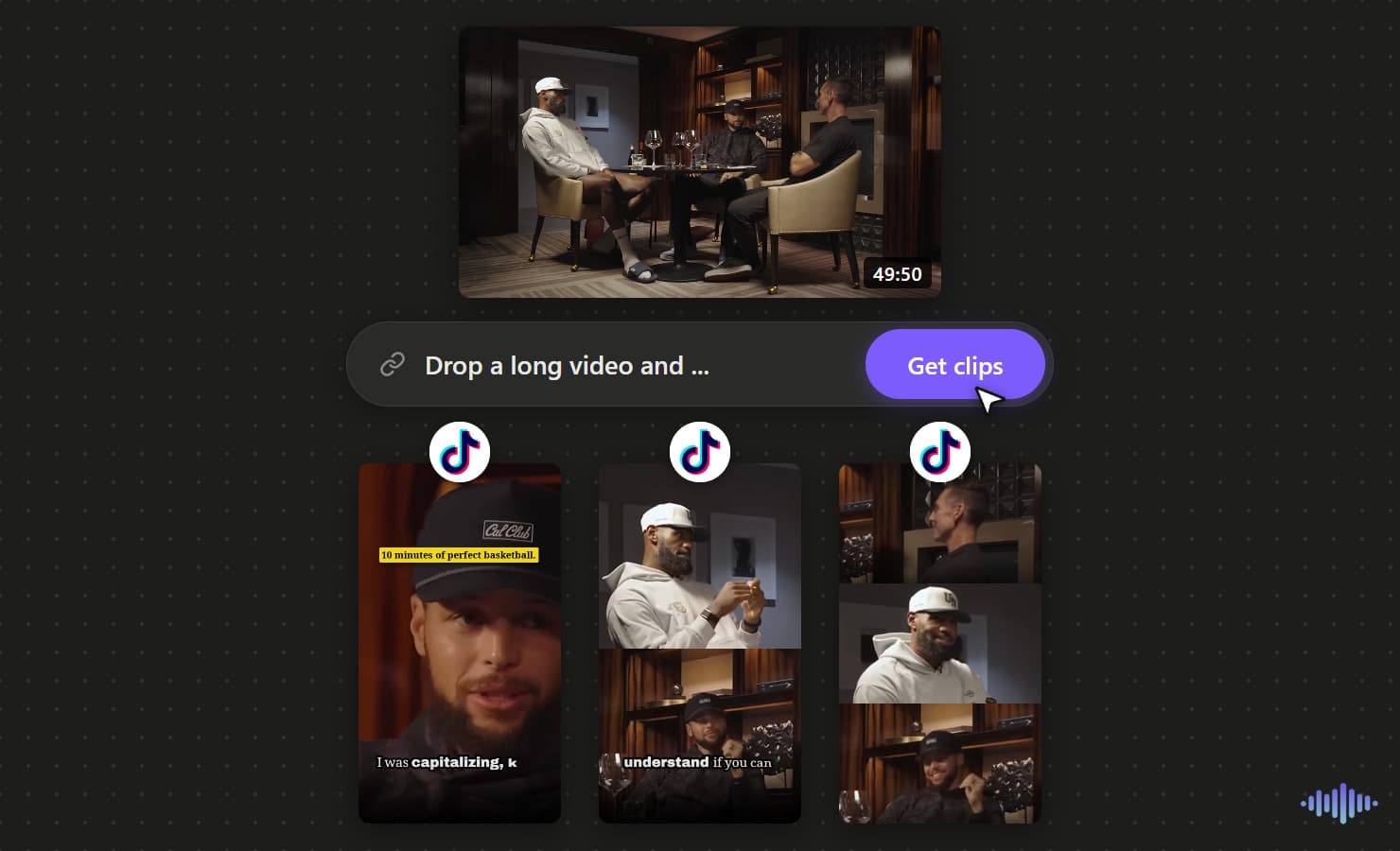
TikTok decides in the first second whether to keep showing your clip. Drop in a long video and the AI pulls the moments with a real hook, captions them in a native style, and cuts them to full-screen 9:16, so what you post feels made for the For You feed instead of reposted from somewhere else.
Why Voice Creator Pro
Why creators choose Voice Creator Pro
AI finds the moments you ask for
No scrubbing through a long timeline. The AI surfaces the strongest moments for you, several from a single video, and you can steer it with a prompt so it looks for what your audience cares about.
Captions and editing built in
Add subtitles, zoom-ins, and automatic filler and silence removal in one place, so each clip is ready to post, not just cut.
Reach beyond one language
Dub any clip into up to 21 languages, so a single moment reaches audiences far beyond its original language.
Free to start, or run it on your desktop
Begin free in your browser with no credit card, or buy the desktop app once for unlimited generations with no credits to count.
Create viral content the easy way
You do not have to guess what will land or scrub through hours of footage. Drop in a long video, tell the AI what to look for with a quick prompt, and it pulls the moments most likely to take off, so making content worth sharing takes minutes, not a weekend.
Turn one video into more views
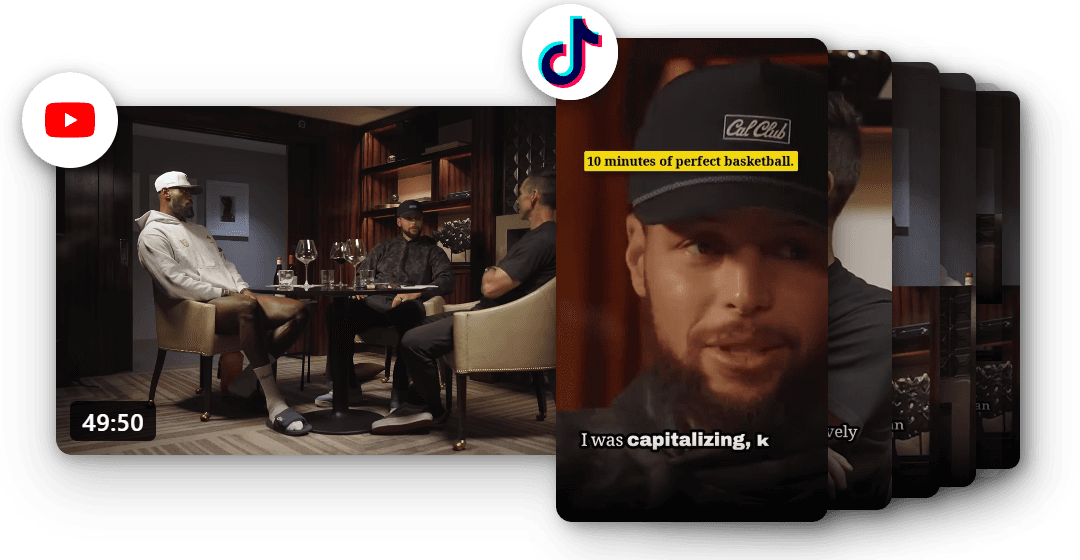
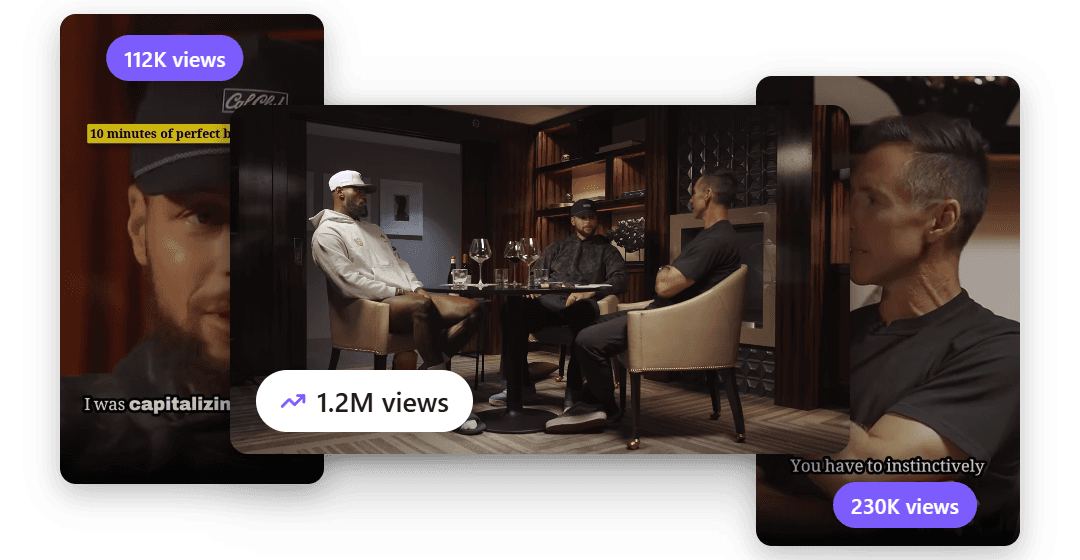
Every clip is another way for people to find you. Ship TikToks faster and let them draw viewers back to the full video, so a single upload can keep drawing views long after you post it.
Reach an audience in 21 languages
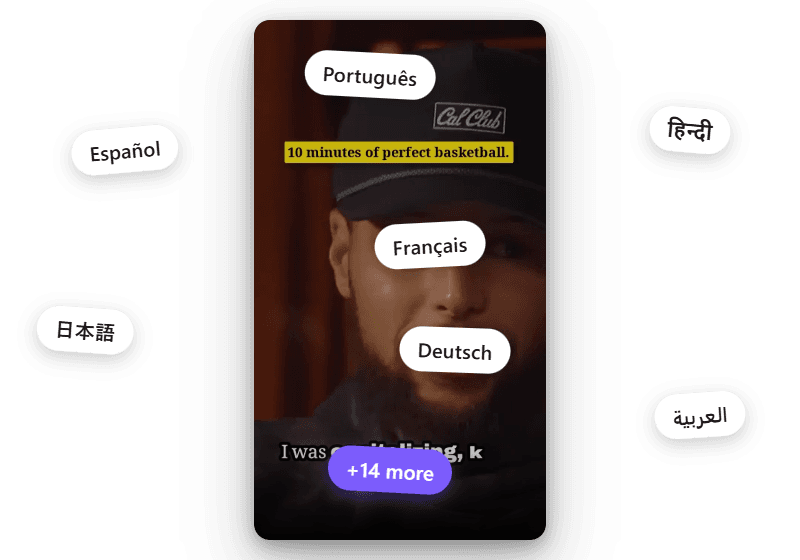
Your best moments should not stop at one language. Dub any clip into up to 21 languages and put the same short in front of viewers around the world.
Capabilities
Everything You Need to Post to TikTok
Cut for the For You Feed
Clips export full-screen 9:16, the native TikTok size, so nothing reads as letterboxed or reposted. Posting elsewhere too? Export 1:1, 4:5 or 16:9.
Hooks, Not Just Moments
The AI favors segments with a strong opening line, because TikTok decides whether to keep pushing a clip in the first second.
Captions Clear of the UI
Word-by-word captions are placed to stay readable around TikTok's side buttons and bottom caption bar.
Auto-Edit or by Hand
Let AI add zoom-ins for emphasis and cut filler and silence to keep it fast, or take manual control of each cut.
Dub Into 21 Languages
Dub a clip into up to 21 languages to reach viewers beyond your main audience.
A Batch of TikToks from One Video
One long recording yields a batch of clips, often enough to keep posting for a week.
What Works
What TikTok Rewards
A hook in the first second
TikTok watches early retention. Open on the most interesting line, not a slow intro, so the feed keeps pushing the clip.
Captions clear of the buttons
The like, comment, and share buttons sit on the right and the caption runs along the bottom. Keep on-screen text out of those zones so nothing is covered.
Full-screen 9:16
Fill the whole vertical frame. A letterboxed or square clip reads as reposted and tends to get less reach.
One idea, kept short
A TikTok that makes a single point holds to the end. If it needs setup, it is probably two clips.
How It Works
From One Video to a Feed of TikToks
Drop in Your Long Video
Upload a recording in the browser, or paste a link on the desktop app. One long talk, podcast, or stream is enough to pull a batch of TikToks from.
AI Picks the Hooks
The video is scanned for the moments with a strong opening line, the kind that stops a scroller before they swipe, and several are surfaced from one upload.
Caption and Cut for the Feed
Add bold, word-by-word captions kept clear of the TikTok interface, auto-edit with zoom-ins and filler removal or adjust by hand, and export full-screen 9:16.
Explore clip tools
AI Video Clips Generator
The full clips feature
YouTube to Shorts
Turn long uploads into Shorts
Podcast to Clips
Cut episodes into promo clips
Long Video to Shorts
Any long recording into shorts
Gaming Clips
Clips from gaming commentary
Instagram Reels
Clips shaped for Instagram Reels
LinkedIn Clips
Professional clips for LinkedIn
Facebook Reels
Clips for Facebook Reels
Viral Clips
AI finds the viral moments
AI Shorts
AI shorts from any video
YouTube Clip Maker
Clip any YouTube video
Free AI Clip Generator
Make clips free in the browser
Desktop Clip Maker
One-time app, unlimited clips
Twitch Clips
Twitch VODs into vertical clips
Kick Clips
Kick streams into vertical clips
Webinar Clips
Turn webinars into social clips
Conference Clips
Talks and keynotes into clips
Sermon Clips
Sermons into shareable clips
FAQ
Common Questions
Add your long video and the AI picks the moments with the strongest hooks. Add captions, let the AI auto-edit or adjust by hand, and export full-screen 9:16 clips ready for TikTok. One video can become several TikToks.
TikTok clips are exported in full-screen vertical 9:16, the native shape for the For You feed, so they fill the phone with no letterboxing.
Keep captions toward the middle of the frame, clear of the like, comment, and share buttons on the right and the username and caption along the bottom. Captions placed there stay readable over the TikTok interface.
Yes. Voice Creator Pro Cloud has a free tier you can start with no credit card, and free-tier clips include a small watermark. Paid Cloud plans remove the watermark. The desktop app is a one-time purchase with no credits or minutes to count. It picks clips with your own LLM API key.
Yes. You can dub a clip into up to 21 languages, so one moment reaches viewers who speak a different language.
Get Started
Make TikTok Clips from Your Videos
Turn one long video into a batch of TikToks, captioned and cut to full-screen 9:16 for the For You feed. Start free in your browser, or get the desktop app for one-time pricing with no usage caps.
Trusted by 6,000+ creators and businesses