
Sermon Clip Maker
Turn Sermons into Short Clips for Your Church
Churches and media volunteers upload Sunday's sermon and get short, captioned clips of the key points for the week ahead.
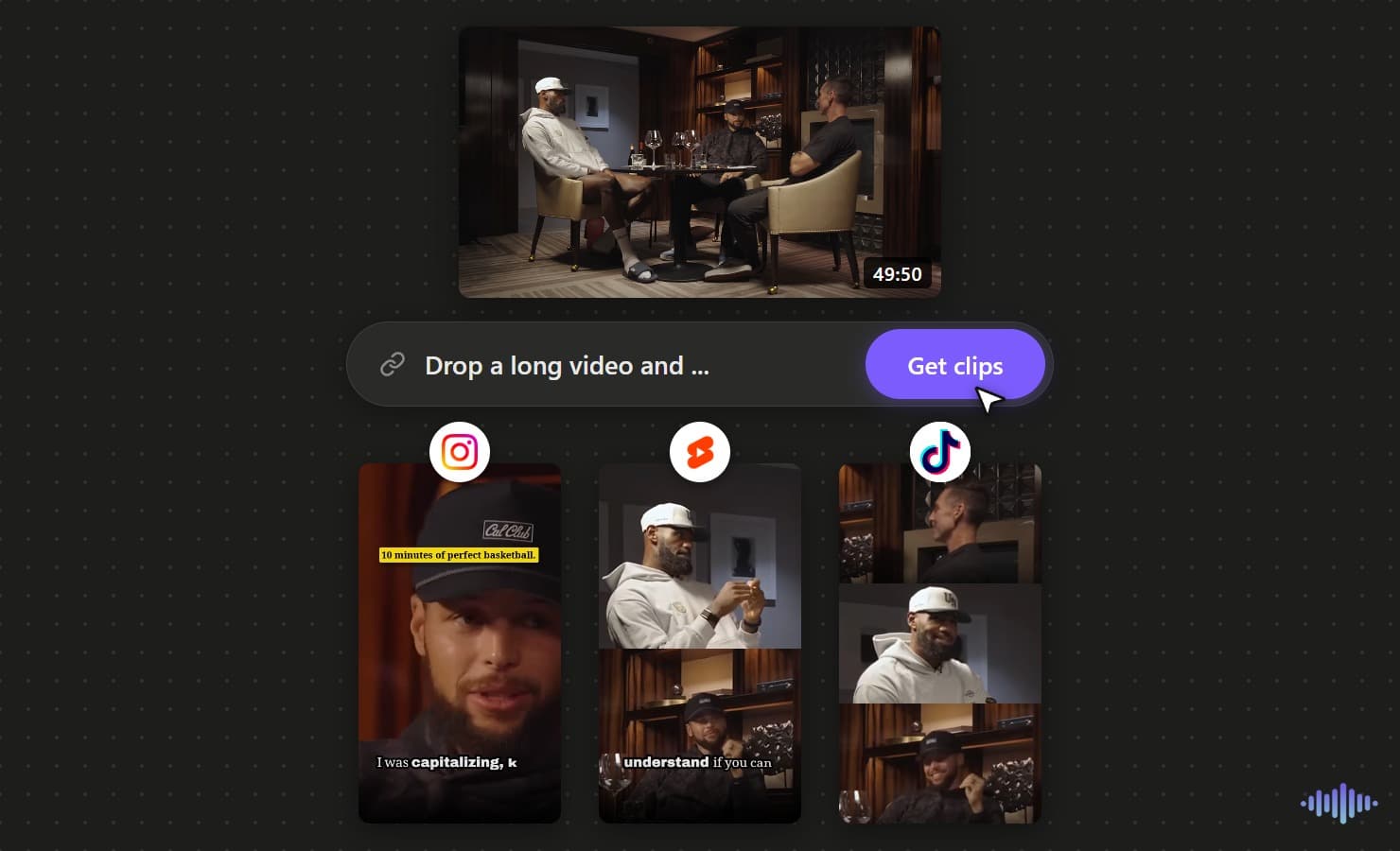
Why Voice Creator Pro
Why churches choose Voice Creator Pro
Finds the moments you ask for
Tell the AI what to look for, such as each main point or the scripture reading, and it finds those parts of the sermon.
Captions and cleanup built in
Captions are added for you, and long pauses and filler words can be cut, so each clip is ready to share.
Simple enough for volunteers
A media volunteer can make a week of clips in one sitting, with no editing experience.
Free to start, or pay once
Start free in the browser with no card. Or buy the desktop app one time, with no monthly bill for the church budget.
Carry Sunday's message through the week
Most of the congregation hears a sermon one time. Short clips of each main point keep it in front of them on the days between services, in the apps they already open.
Make sermon clipsReach people who were not in the room
A clip that a member shares reaches friends and family who have never visited. Captions carry the message in feeds that play without sound.
Start with one sermonPreach to every language in your congregation
Dub a clip into any of 21 languages, so members who speak another language at home hear the message in their own.
Try for freeCapabilities
Built for Church Media Teams
Prompt for Scripture and Key Points
Ask the AI for the scripture reading, the main points, or a closing prayer. It picks clips to match.
Captions for Muted Feeds
Most people scroll with the sound off. Burned-in captions carry the words, and you can choose a quiet, readable style.
Dub into 21 Languages
Dub a clip for the language groups in your congregation, so families hear the message in their own language.
Framing for the Pulpit
Speaker focus keeps the pastor in a vertical frame. Cut between speakers covers a sermon with a guest or an interview.
Optional Pause Removal
Cut pauses and breaths is a toggle. Leave it off where a pause carries meaning, or turn it on to tighten a clip.
One-Time Desktop Purchase
The desktop app is a one-time payment with unlimited generations. No monthly bill for the church budget.
Guide the AI
Prompts That Find the Right Sermon Moments
"The scripture reading and its explanation"
Gives clips that open with the verse and the pastor's point about it.
"Each main point of the sermon"
Gives one clip per point, a natural series for the week.
"A short story or illustration"
Stories stand alone well for people who were not in the room.
"The call to action and closing prayer"
Good for a mid-week reminder post.
"Encouragement for someone who is struggling"
Finds pastoral moments that speak to people outside the church.
How It Works
From Sunday's Sermon to the Week's Clips
Upload the Service Recording
Upload the sermon or the full service as a video file. A YouTube link works in the desktop app if the service is already on your channel.
Tell the AI What Matters
Write a short prompt, for example "the scripture reading and the three main points". Set the clip length and how many clips you want.
Review, Caption and Export
Check each clip with your pastor or team. Pick a calm caption style, add a short title, and export for Shorts, Reels or TikTok.
Explore clip tools
AI Video Clips Generator
The full clips feature
YouTube to Shorts
Turn long uploads into Shorts
Podcast to Clips
Cut episodes into promo clips
Long Video to Shorts
Any long recording into shorts
Gaming Clips
Clips from gaming commentary
TikTok Clips
Vertical clips made for TikTok
Instagram Reels
Clips shaped for Instagram Reels
LinkedIn Clips
Professional clips for LinkedIn
Facebook Reels
Clips for Facebook Reels
Viral Clips
AI finds the viral moments
AI Shorts
AI shorts from any video
YouTube Clip Maker
Clip any YouTube video
Free AI Clip Generator
Make clips free in the browser
Desktop Clip Maker
One-time app, unlimited clips
Twitch Clips
Twitch VODs into vertical clips
Kick Clips
Kick streams into vertical clips
Webinar Clips
Turn webinars into social clips
Conference Clips
Talks and keynotes into clips
FAQ
Common Questions
Voice Creator Pro turns a recorded sermon into captioned vertical clips from one upload. Write a prompt such as "the scripture reading and main points", and the AI picks clips to match. Review them, then export for Shorts, Reels or TikTok.
Yes. Voice Creator Pro Clips has a Guide the AI prompt. Describe what you want, such as the scripture reading, each main point, or the closing prayer. Always review the picks before you post.
Dub the finished clip into any of 21 languages. Each language group in the congregation then hears the message in its own language, with captions to match.
Yes. The Voice Creator Pro desktop app is a one-time payment with unlimited generations. To pick clips, it connects to an LLM such as OpenAI or Gemini, or a local model you run. Cloud plans start at $5 a month.
No. In Voice Creator Pro, a volunteer uploads the video, writes a short prompt, and reviews the clips. Captions and vertical framing are automatic. A timeline with undo is there for small fixes.
Yes. Voice Creator Pro has no length cap per video on paid plans or the desktop app, and each upload can be up to 10 GB. On the free tier, videos can be up to 30 minutes. Use the prompt to point the AI at the sermon, so worship and announcements are skipped.
Get Started
Share Sunday's Message All Week
Turn each sermon into captioned clips for your church's social pages. Start in the browser, or get the desktop app with one payment.
Trusted by 6,000+ creators and businesses