
Facebook Reels
Turn Long Videos into Facebook Reels
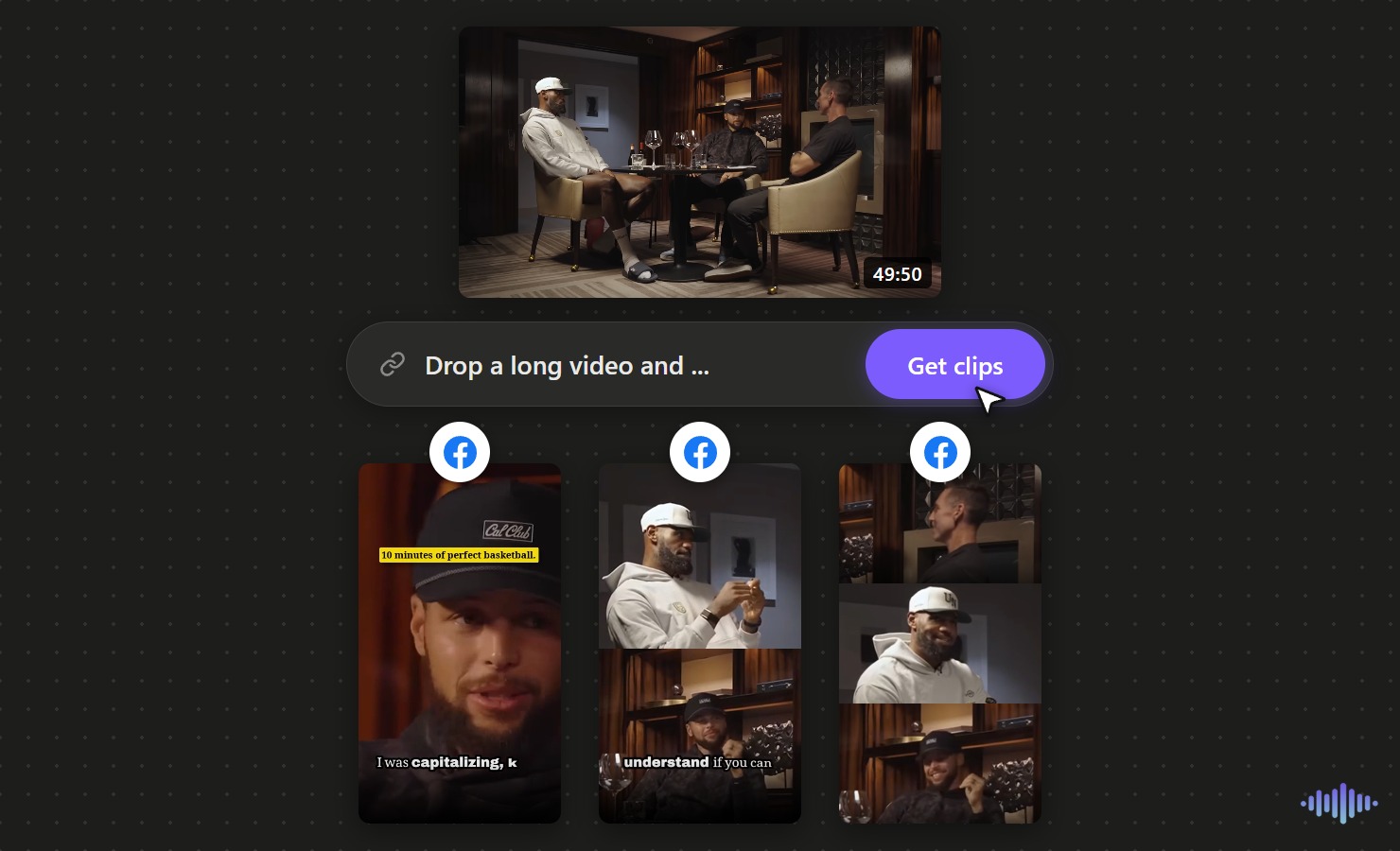
Facebook reaches a broad, general audience, so a clip that needs no niche context travels furthest. Drop in a long video and the AI finds the clearest, most self-contained moments, captions them for a feed that autoplays muted, and cuts them to 9:16 for Facebook Reels.
Why Voice Creator Pro
Why creators choose Voice Creator Pro
AI finds the moments you ask for
No scrubbing through a long timeline. The AI surfaces the strongest moments for you, several from a single video, and you can steer it with a prompt so it looks for what your audience cares about.
Captions and editing built in
Add subtitles, zoom-ins, and automatic filler and silence removal in one place, so each clip is ready to post, not just cut.
Reach beyond one language
Dub any clip into up to 21 languages, so a single moment reaches audiences far beyond its original language.
Free to start, runs offline
Begin free in your browser with no credit card, or run it offline on the desktop app with no limits.
Create viral content the easy way
You do not have to guess what will land or scrub through hours of footage. Drop in a long video, tell the AI what to look for with a quick prompt, and it pulls the moments most likely to take off, so making content worth sharing takes minutes, not a weekend.
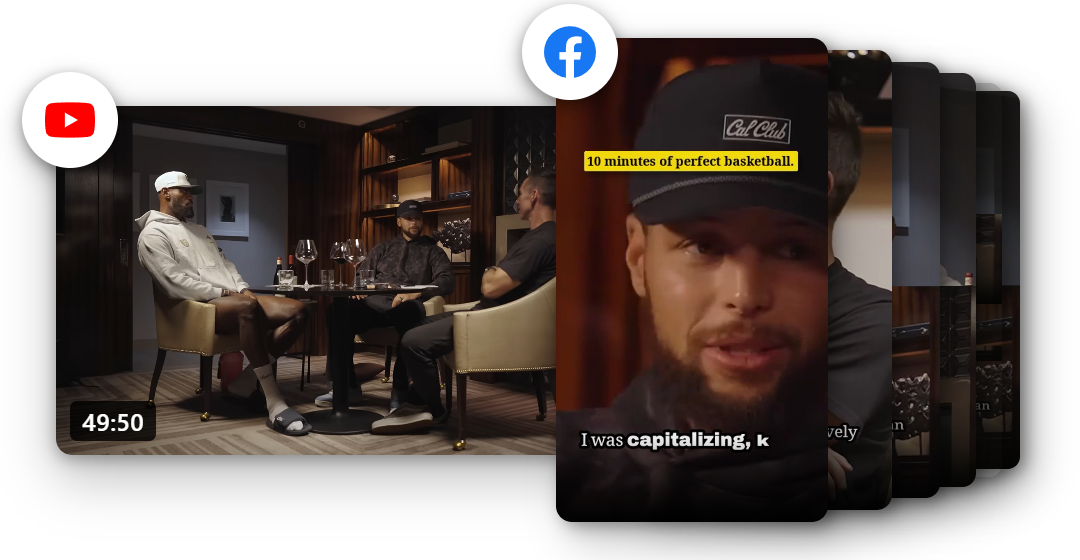
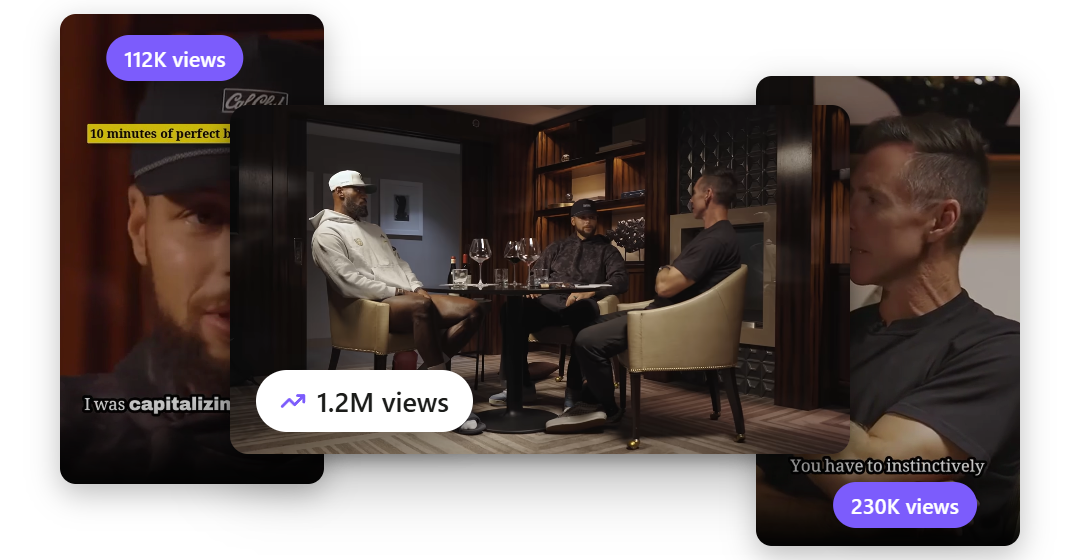
Turn one video into more views
Every clip is another way for people to find you. Ship Reels faster and let them draw viewers back to the full video, so a single upload can keep drawing views long after you post it.
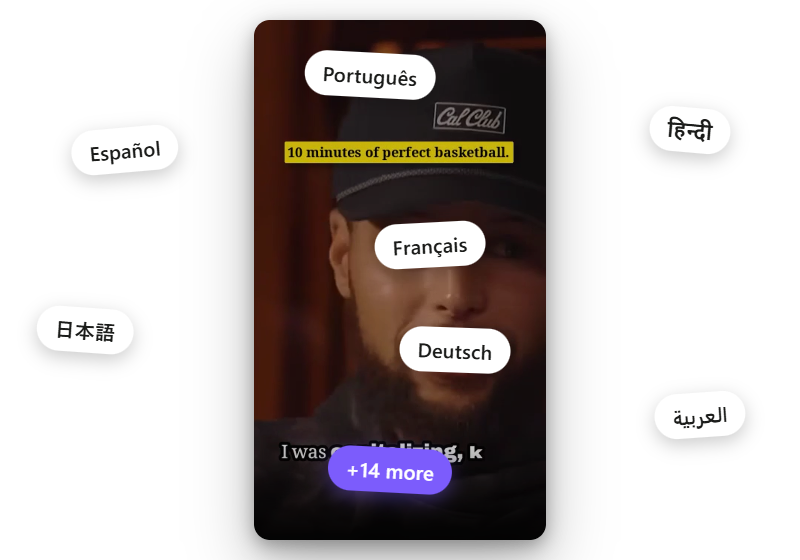
Reach an audience in 21 languages
Your best moments should not stop at one language. Dub any clip into up to 21 languages and put the same short in front of viewers around the world.
Capabilities
Everything You Need to Post Facebook Reels
Clear for a Broad Audience
The AI favors self-contained moments that make sense without niche context, which is what travels on a feed as wide as Facebook's.
Captions for Muted Autoplay
Facebook Reels autoplay without sound, so on-screen captions carry the message from the first frame.
Reuse Across Platforms
Export once and post the same clip to Facebook, Instagram, and TikTok, so a single edit covers every feed.
Vertical 9:16
Reels are cut full-screen 9:16 at 1080x1920, the native format on the phone.
Auto-Edit or by Hand
Let AI add zoom-ins for emphasis and cut filler and silence to keep it tight, or take manual control of each cut.
Dub Into 21 Languages
Dub a Reel into up to 21 languages to reach audiences beyond your main language.
How It Works
From One Video to a Batch of Reels
Add Your Long Video
Upload a recording in the browser, or paste a link on the desktop app. Long talks, interviews, and streams all work as source material.
AI Finds the Moments
The video is scanned for the clearest standalone moments, the kind that make sense to a broad audience, and one upload can yield several Reels.
Caption, Cut, and Reuse
Add captions for a muted feed, auto-edit or adjust by hand, and export vertical Reels you can post to Facebook and reuse on other platforms.
What Works
Reels for a Facebook Audience
Keep it broadly clear
Facebook's audience is wide and general. A clip that needs no insider context reaches the most people.
Caption for muted autoplay
Reels autoplay without sound in the Facebook feed, so on-screen captions have to carry the message on their own.
Lead with the payoff
Open on the point, not a slow build. A broad feed gives a clip only a second to earn a stop.
Reuse what you cut
The same vertical clip works on Facebook, Instagram, and TikTok, so one export covers several platforms.
Explore clip tools
AI Video Clips Generator
The full clips feature
YouTube to Shorts
Turn long uploads into Shorts
Podcast to Clips
Cut episodes into promo clips
Long Video to Shorts
Any long recording into shorts
Gaming Clips
Stream and gameplay highlights
TikTok Clips
Vertical clips made for TikTok
Instagram Reels
Clips shaped for Instagram Reels
LinkedIn Clips
Professional clips for LinkedIn
Viral Clips
AI finds the viral moments
AI Shorts
AI shorts from any video
YouTube Clip Maker
Clip any YouTube video
FAQ
Common Questions
Add your long video and the AI finds the clearest standalone moments. Add captions, let the AI auto-edit or adjust by hand, and export vertical Reels ready for Facebook. One video can become several Reels.
Facebook Reels are exported vertical 9:16 at 1080x1920, the full-screen format the Reels feed uses on the phone.
Yes. The clips export as standard vertical 9:16 video, so the same file posts to Facebook, Instagram Reels, TikTok, and other short-form feeds without re-editing.
Yes. Voice Creator Pro Cloud has a free tier you can start with no credit card, and free-tier clips include a small watermark. Paid Cloud plans remove the watermark, or use the desktop app for unlimited offline use.
Yes. You can dub a Reel into up to 21 languages, so one moment reaches audiences who speak a different language.
Get Started
Make Facebook Reels from Your Videos
Turn one long video into a batch of Facebook Reels, captioned for a muted feed and ready to reuse across platforms. Start free in your browser, or work offline with the desktop app.
Trusted by 6,000+ creators and businesses