
Edit Your Video from the Script You Recorded
Paste the script you read from and AI Cut edits the recording to match it. It cuts the fumbled tries, keeps the take of each line closest to what you wrote, and can drop anything you said off-script, so you skip matching takes to the script by hand.
- 30 free minutes a month
- No card needed
- Undo any cut
“I had so much raw footage, but editing took so long that I couldn't post as often as I wanted. Now Voice Creator Pro edits while I play with my baby, and I actually post every day.”
Trusted by 6,000+ creators and businesses
Went Off-Script? Choose What Stays
Not everything you say on camera is in the script. Standard mode keeps your asides for a natural feel. Strict mode cuts every word that isn't in the script, for a tight scripted video.
- Standard mode keeps asides and ad-libs
- Strict mode cuts anything that isn't in the script
- Every cut is labelled, so you can restore one
Every Line Checked Against Your Script, Automatically
AI Cut finds the take where you said each line cleanly and cuts the fumbles. In strict mode, it also cuts anything you added off-script.
"Three tools changed how I edit."
"The first is a good, uh, telepromp... teleprompter thing."
"The first is a good teleprompter app."
"Honestly, I resisted this one for years."
"The second is a cheap lav mic."
Paste a script and see your fumbles cut for you.
Script Matching, and Everything Around It
Closest take kept
For each line, AI Cut keeps the take that matches your script best, not just the last one.
Standard mode
Keeps anything you added that isn't in the script, for a natural feel.
Strict mode
Also cuts every word you said that isn't in the script, for a tight scripted video.
Fumbled takes cut
Stumble on a line and say it again, and AI Cut cuts the fumbled try and keeps the clean one.
Fillers and pauses removed
Filler words, stutters and long silences come out in the same pass.
Subtitles and timelines
Burn in subtitles, or export Premiere Pro or DaVinci Resolve XML and an SRT file.
After the Cut
Turn Your Cut into Clips, or Dub It into 21 Languages
The cut that matches your script can go straight into short clips or a dub in 21 languages.
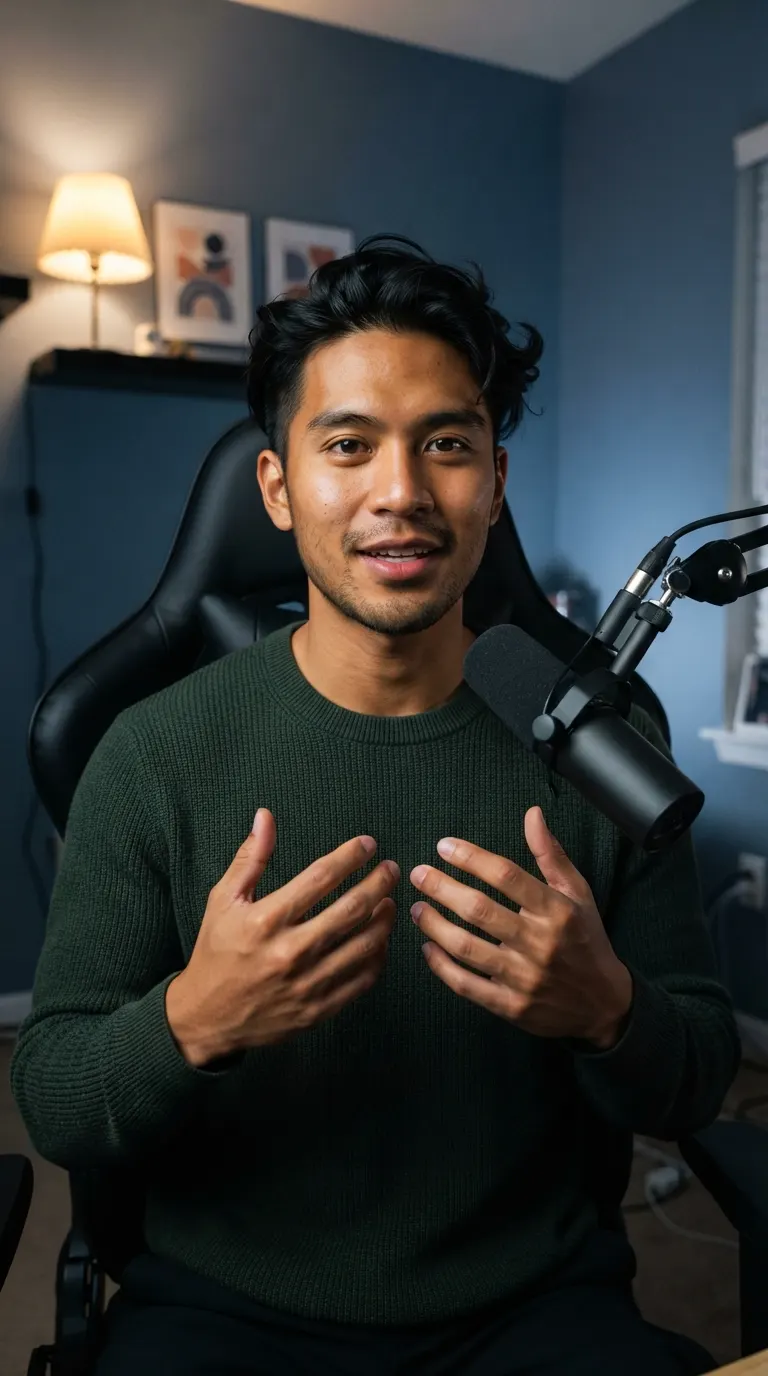
AI edits your raw footage
So, uh, [3.1s pause] this is the setup I use to fil... This is the setup I use to film every video. Um, [1.6s pause] Let me walk you through it.
Short clips in one click
Clips picks the strongest moments from your cut and makes captioned clips in 9:16, 1:1, 4:5 or 16:9, ready for Shorts, TikTok, Reels or your feed.
See ClipsThe same video in 21 languages
Dubbing translates your cut and speaks it in your own voice, so viewers in other languages still hear you.
See Video DubbingRecording Tips
Record Takes That Match Cleanly
Script matching works best when each take lines up with a sentence in the script. These habits help.
Paste the version you read
If you changed lines on the teleprompter, paste that version, or good takes may look off-script.
Restart the whole sentence
After a mistake, go back to the start of the sentence so the new take matches the script line in full.
Pick the mode before you ad-lib
Use standard mode if your asides belong in the video. Strict mode cuts them.
Review the cuts before you export
Every cut is labelled. A quick read catches a take you would rather keep, or a line you skipped.
More AI Cut features
See all video toolsFAQ
Common Questions
Upload the recording to AI Cut in Voice Creator Pro and paste your script. AI Cut keeps the take of each line closest to the script, cuts fumbled tries and the rest, and flags script lines it couldn't find in the video.
Strict mode cuts anything you said that isn't in the script, such as asides and ad-libs. Standard mode keeps those parts and still picks the closest take of each scripted line.
AI Cut flags the script line as missing, so you know before you export. Record the line again and add it to the video in your editor.
No. Without a script, AI Cut still removes silences, filler words and bad takes, and keeps the last good take of each repeated line.
Yes. Teleprompter takes usually follow the script closely, which is the best case for script matching. Paste the same text you loaded into the teleprompter.
Get Started
Let Your Script Do the Editing
Paste the script, upload the recording, and get an edit that follows what you wrote, with the fumbles already cut.
Trusted by 6,000+ creators and businesses