
Automatic Jump Cuts for Talking-Head Video
AI Cut turns one long take into a fast run of jump cuts, the dozens of cuts you would otherwise make by hand. It removes the pauses, fillers and retakes between your lines and joins what's left, ready to export or finish in your editor.
- 30 free minutes a month
- No card needed
- Undo any cut
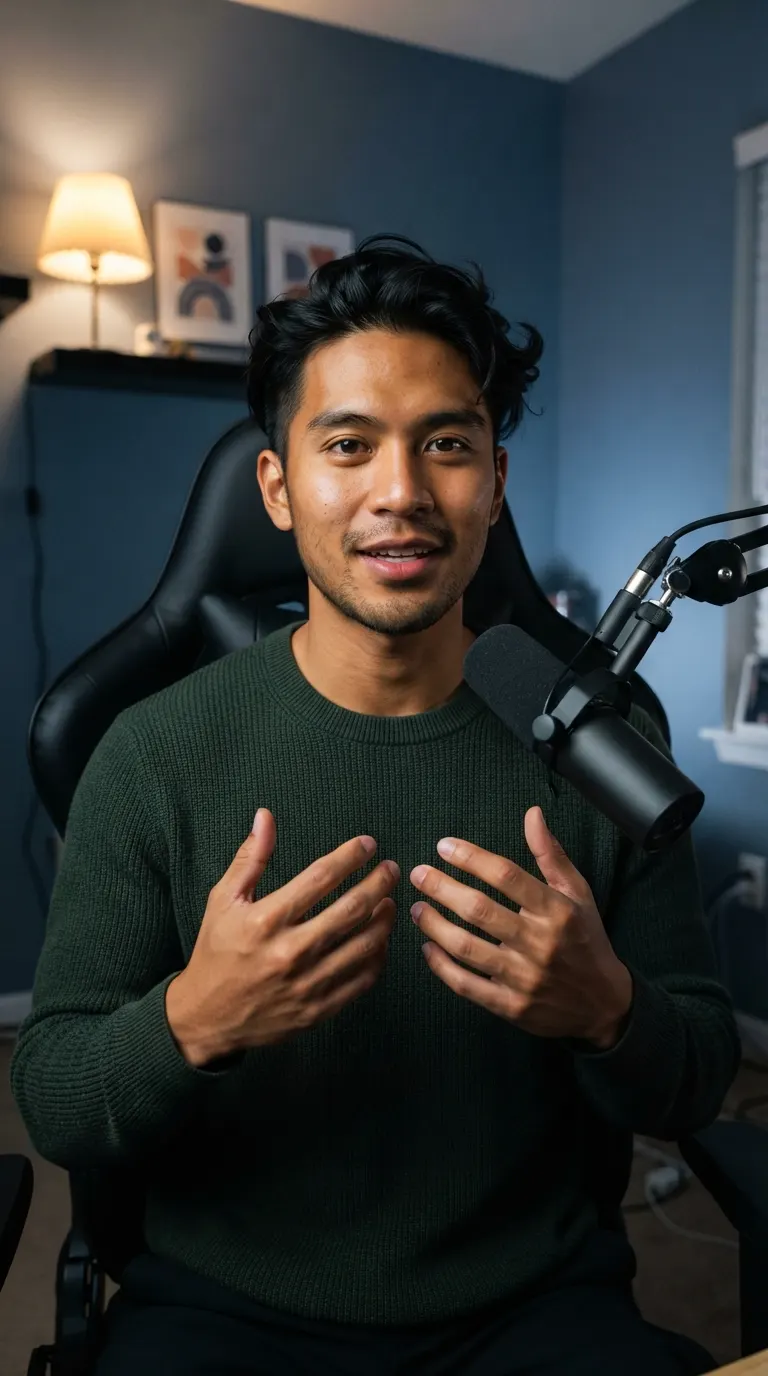 8:065:02
So, um, [2.1s pause] three things make a vid... Three things make a video feel fast. Uh, [1.4s pause] The first is pacing.
“I had so much raw footage, but editing took so long that I couldn't post as often as I wanted. Now Voice Creator Pro edits while I play with my baby, and I actually post every day.”
Trusted by 6,000+ creators and businesses
Every Line Starts Right Where the Last One Ended
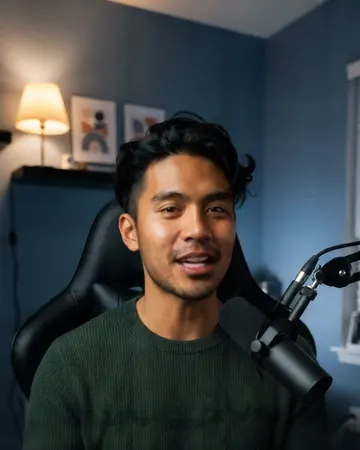
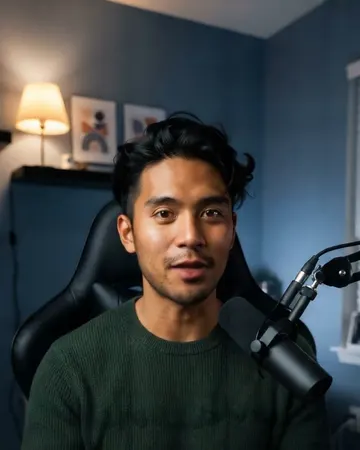
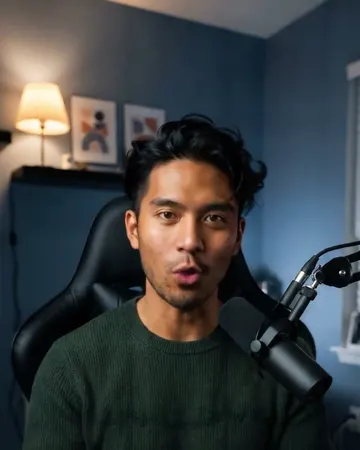
From a 29-second take, AI Cut removes 11 seconds of pauses, filler words and retakes, and joins the good lines back to back.
- Kept
Here's the setup I use to film every video.
- 3s pause
[checks notes]
- Kept
One camera, one light, and a cheap lav mic.
- 6s retake
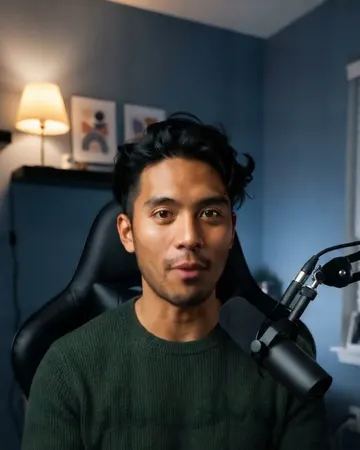
The light is... the light matters mo-
- Kept
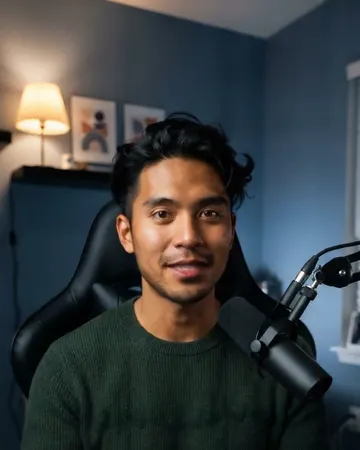
The light matters more than the camera.
- 2s filler words
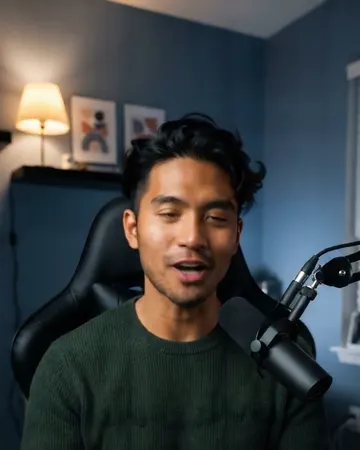
Um, uh, so,
- Kept
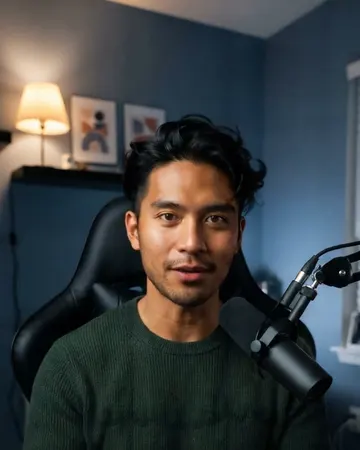
Put it at 45 degrees, a little above your eyes.
Captions Carry Viewers Across Every Cut
Burned-in captions run straight through each jump, so the edit reads as one flow. Reframe to any shape and the crop follows your face.
- Captions in the same styles as Clips and Dubbing
- 9:16, 1:1, 4:5 or 16:9 with a face-following crop
- Restore any cut that feels too abrupt
Open the Cut in Premiere Pro or DaVinci Resolve
AI Cut exports the jump cuts as an XML timeline, so every cut arrives as a separate clip on your editor's timeline. Add zooms, B-roll and music there, without redoing the rough cut.
- Premiere Pro XML and DaVinci Resolve XML
- Each kept section arrives as its own clip
- SRT subtitles to match the cut
Skip making dozens of cuts by hand. Get your jump cuts in one pass.
After the Cut
Turn Your Cut into Clips, or Dub It into 21 Languages
Jump cuts already suit short-form video, so your cut is one click from vertical clips or a dubbed version.
AI edits your raw footage
So, uh, [3.1s pause] this is the setup I use to fil... This is the setup I use to film every video. Um, [1.6s pause] Let me walk you through it.
Short clips in one click
Clips picks the strongest moments from your cut and makes captioned clips in 9:16, 1:1, 4:5 or 16:9, ready for Shorts, TikTok, Reels or your feed.
See ClipsThe same video in 21 languages
Dubbing translates your cut and speaks it in your own voice, so viewers in other languages still hear you.
See Video DubbingMore AI Cut features
See all video toolsFAQ
Common Questions
It cuts the gaps and mistakes out of a long take and joins the rest, so you get jump cuts without marking each one by hand. AI Cut in Voice Creator Pro does this from the transcript and labels every cut.
Yes. AI Cut exports Premiere Pro XML and DaVinci Resolve XML. The cut opens as a timeline of separate clips, ready for zooms, B-roll and music.
Stay in the same spot and keep the camera still while you record, so the frame matches on both sides of each cut. Captions also help carry viewers across.
AI Cut reframes to other aspect ratios with a face-following crop, and adds subtitles and titles. Alternating zooms are best added in your editor after exporting the XML timeline.
Yes. Reframe the cut to 9:16 with the crop following your face, add burned-in subtitles, and export a vertical video. You can also turn the finished cut into short clips in one click.
Yes. The free Voice Creator Pro Cloud plan includes 30 minutes of AI Cut footage a month, with a watermark on exported videos.
Get Started
Turn Your Next Long Take into Jump Cuts
Record in one go and let AI Cut make the cuts. Export the video, or open the timeline in Premiere Pro or DaVinci Resolve and keep going.
Trusted by 6,000+ creators and businesses